
I-Loop Duo is a smart 2-channel rack-mounted detector card that performs the functions of a conventional detector card while adding smart loop tuning and high-resolution vehicle-signature capability. It generates an inductive loop signature for each passing vehicle and also includes AI-based vehicle classification and speed measurement features. The card is certified by Caltrans to meet the TEES 222i Intelligent Vehicle Detector Card Specification.

The I-Loop Duo card complies with both TEES (170/2070) and NEMA TS1/2 standards and is fully compatible with the existing contact-closure-based traffic data collection system.
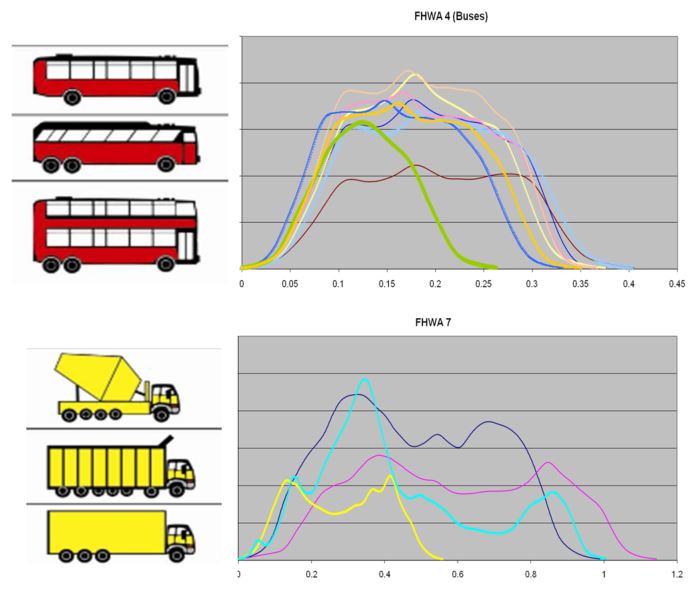
The I-Loop Duo is equipped with a powerful ARM Processor and is capable of scanning vehicles over loops at a sampling rate up to 5000 Hz and generating high-resolution signature data that carries a lot of information about the vehicle.
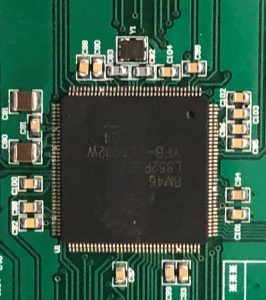
I-Loop Duo’s smart loop tuning technology uses 16 capacitor levels to tune loops to different operating frequencies, unlike conventional loop detectors that rely on a limited number of fixed frequencies. This helps reduce interference and crosstalk while improving detection reliability.
The I-Loop Duo card features a smart loop tuning technology that enables reliable operation in busy multiple-lane freeway environments.
Unlike conventional detector cards, which typically offer only 4 to 8 fixed frequencies and are more susceptible to interference and crosstalk, I-Loop Duo uses 16 fixed capacitor levels to tune loops according to their inductances. This allows all loop sensors to operate at different frequencies, reducing interference, minimizing crosstalk, and improving detection reliability.
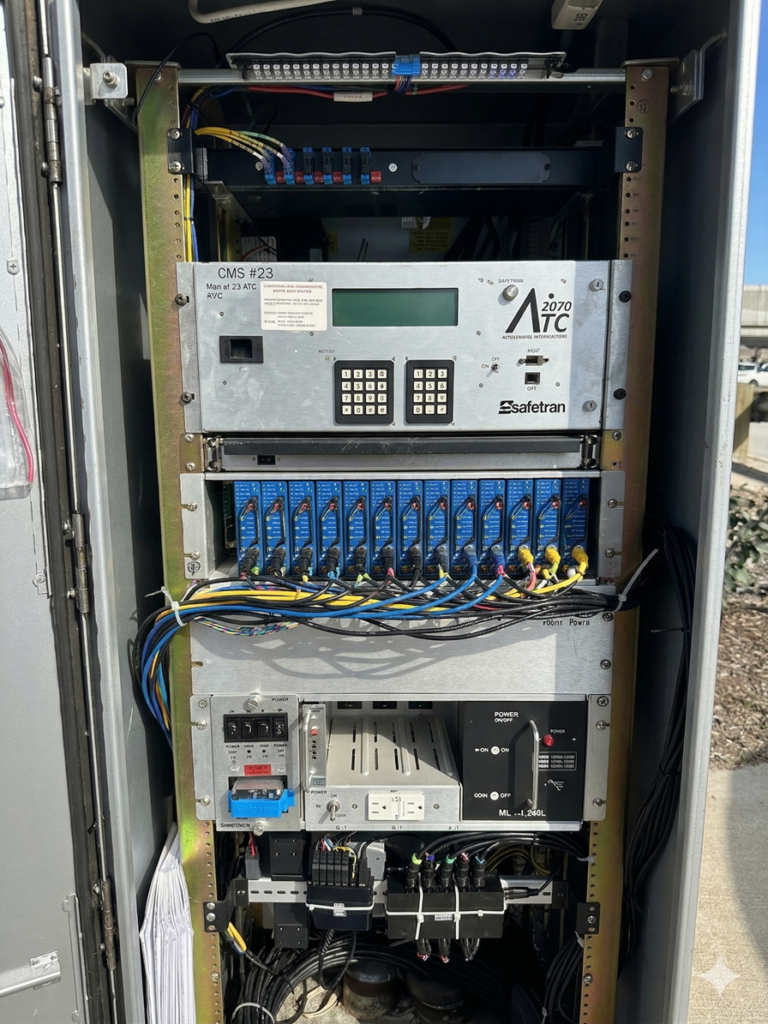
The picture on the right side shows a traffic monitoring site in Orange County, California site, where there are 22 lanes on both directions. The site has a total of 13 I-Loop Duo cards installed.
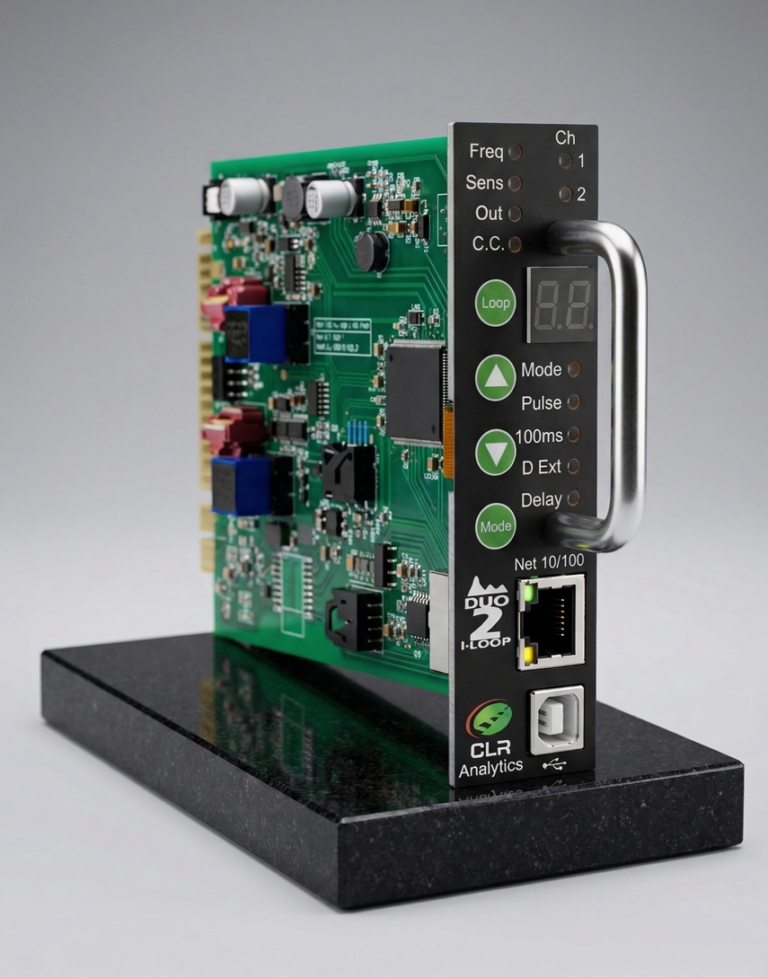
I-Loop Duo is an advanced detector card developed in part with support from USDOT Small Business Innovation Research (SBIR) grants. Designed to capture high-resolution vehicle signature data, it scans vehicles over inductive loops at rates of up to 5,000 Hz. These rich signature data have supported the development of machine-learning-based algorithms for vehicle classification, speed measurement, and vehicle tracking through signature matching.
The I-Loop Duo features patented vehicle classification and speed estimation algorithms, along with related AI libraries, to classify vehicles into the FHWA 13 categories and estimate vehicle speed and length through real-time vehicle signature analysis. Results are accessible through its web interface. Future integration with existing traffic control and management systems will depend on direction from partner traffic agencies.
The VSign Smart Vehicle Classification System has been deployed in more than 20 states nationwide. Within that system, I-Loop Duo cards have been deployed in California, Colorado, Delaware, Minnesota, Ohio, and Washington. Compared with other signature-ready detector cards, I-Loop Duo delivers richer signature detail and more reliable output, making it a strong platform for advanced traffic data collection and analytics.
Manuals:
USB Drivers:
Firmware: